Ask before any write to the data you protect
Turn on write protection for a connection, a database or a few collections. Monghoul asks before each write there, and the driver refuses one you did not approve, even if the query text hides it.
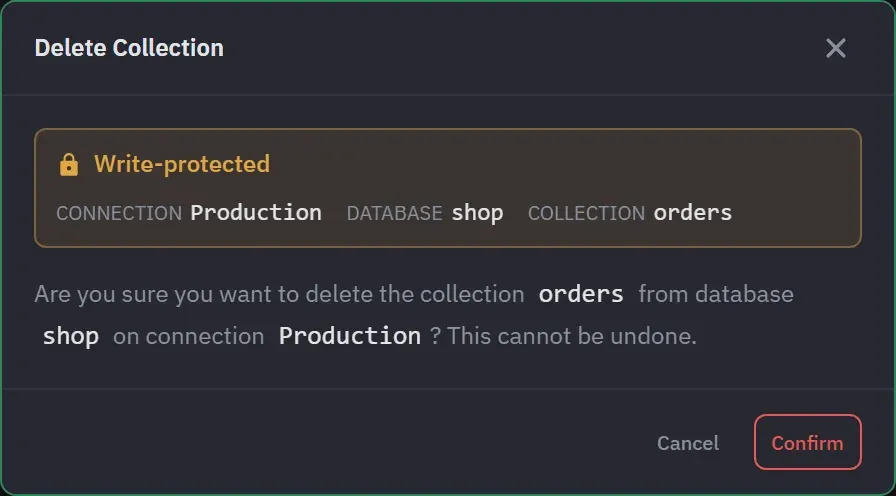
Turn it on where it matters
Protect a whole connection, or name the databases and collections to protect. With both lists empty, everything on the connection is protected.
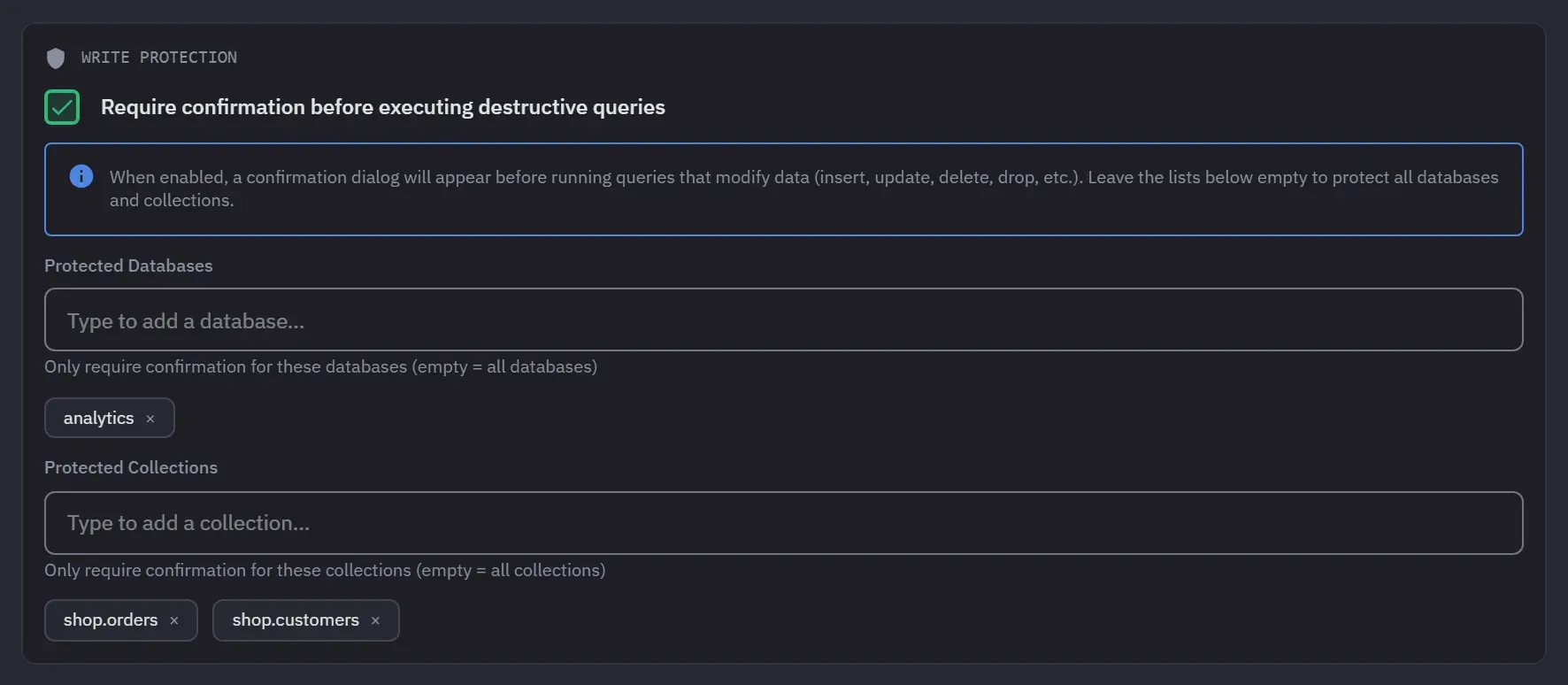
Paste a connection string
Paste a mongodb:// or mongodb+srv:// string and the rest is behind two tabs. Turn Save password off and the password is never written to disk.
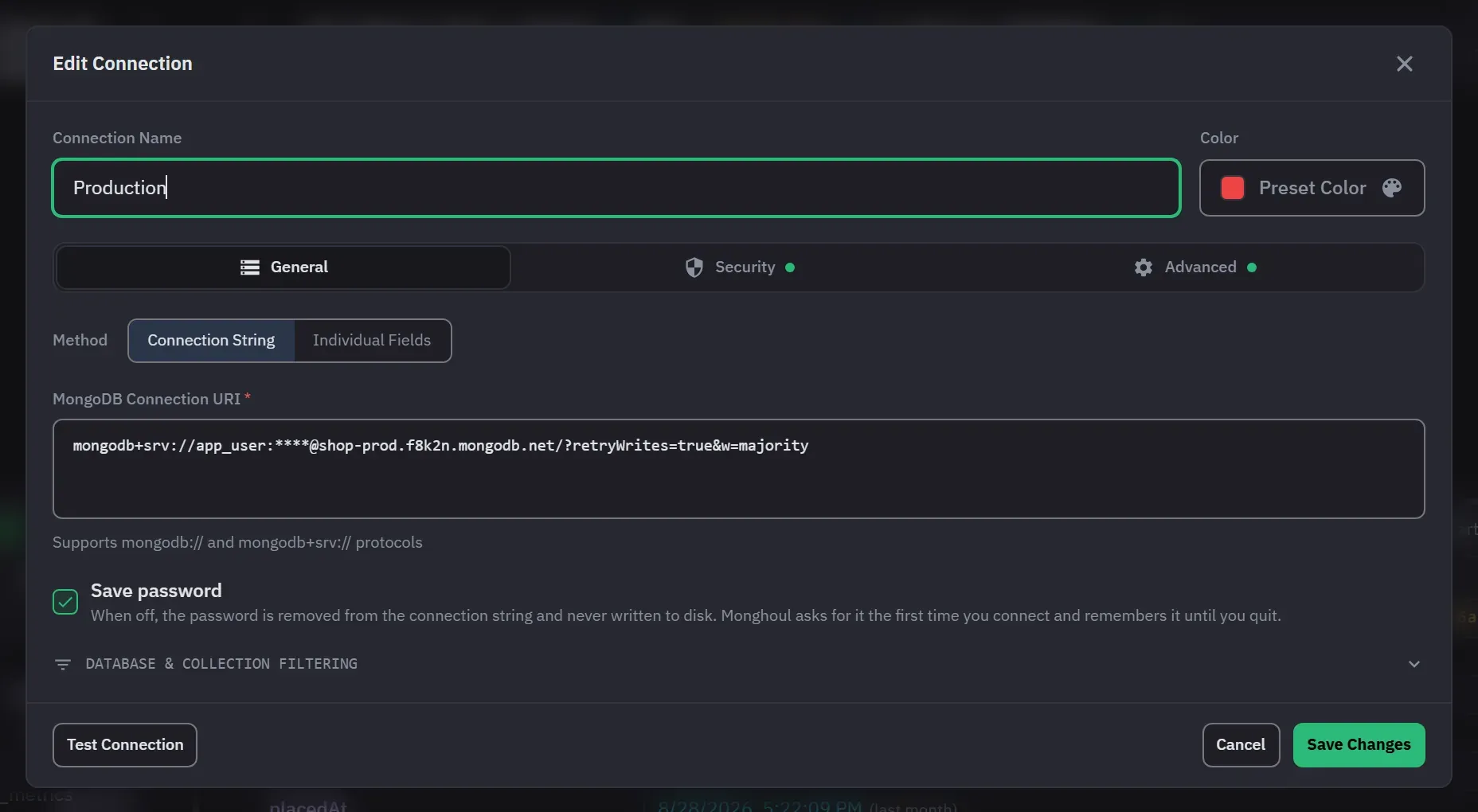
Test before you save
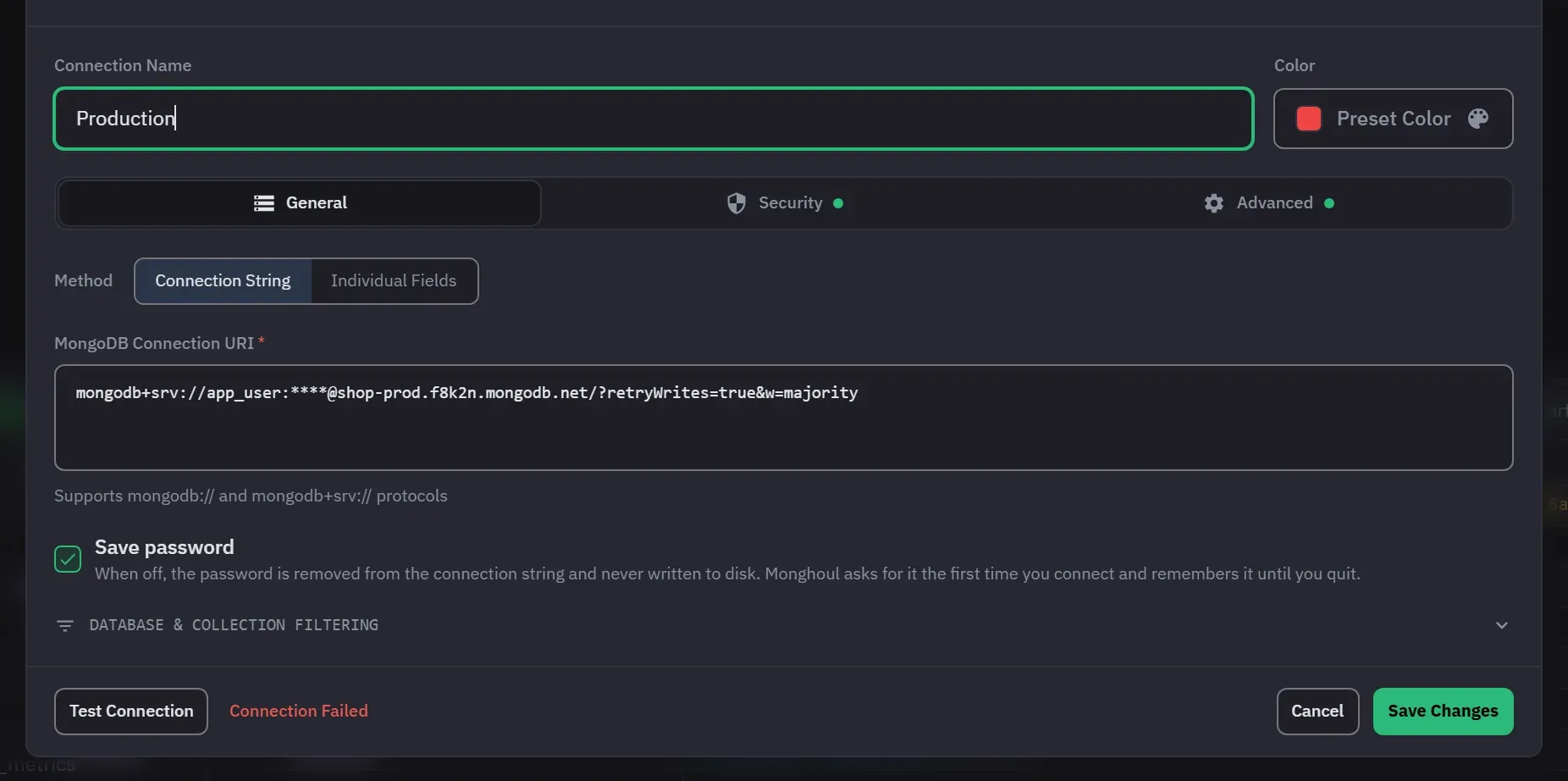
Test Connection runs before the profile is saved, so a bad setting is caught on the form.
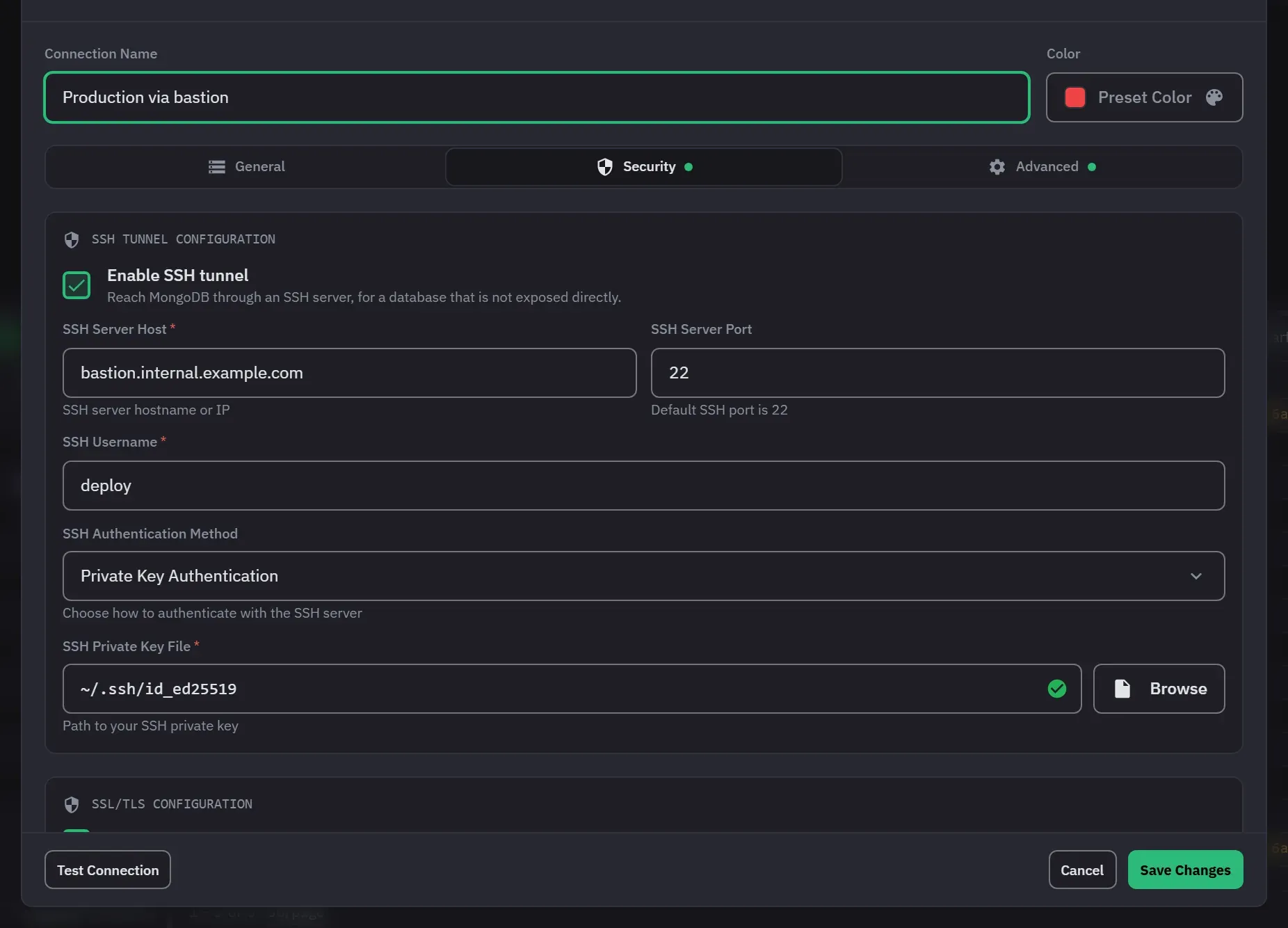
SSH and TLS
Reach a database through an SSH server with a password or a private key, and use TLS with your own CA certificate.
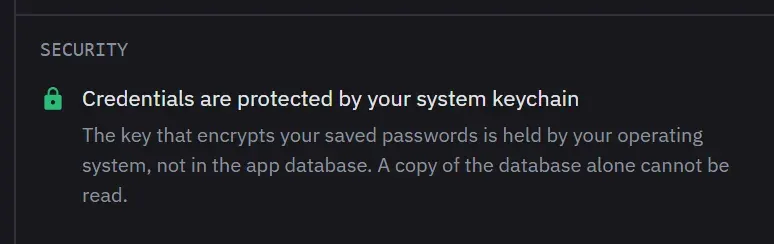
Passwords under your system’s key
Saved passwords are encrypted with a key the operating system keeps, such as the macOS Keychain, and Settings says which key protects them.
Also in this part
- What counts as a write
- Inserts, updates, deletes, bulk writes, drops, renames, creations, index changes and aggregation output stages.
- Enforced at the driver
- The confirmation is raised by reading your query, and the block is enforced at the driver, so a destructive call the text cannot show is still refused.
- Authentication
- 8 authentication methods: no auth, username and password, SCRAM-SHA-1 and SCRAM-SHA-256 free, plus X.509, LDAP, Kerberos and AWS IAM on Pro.
Try it against your own data
38 MB installer. Free forever, and a 14-day Pro trial with no card.