Keep related queries side by side
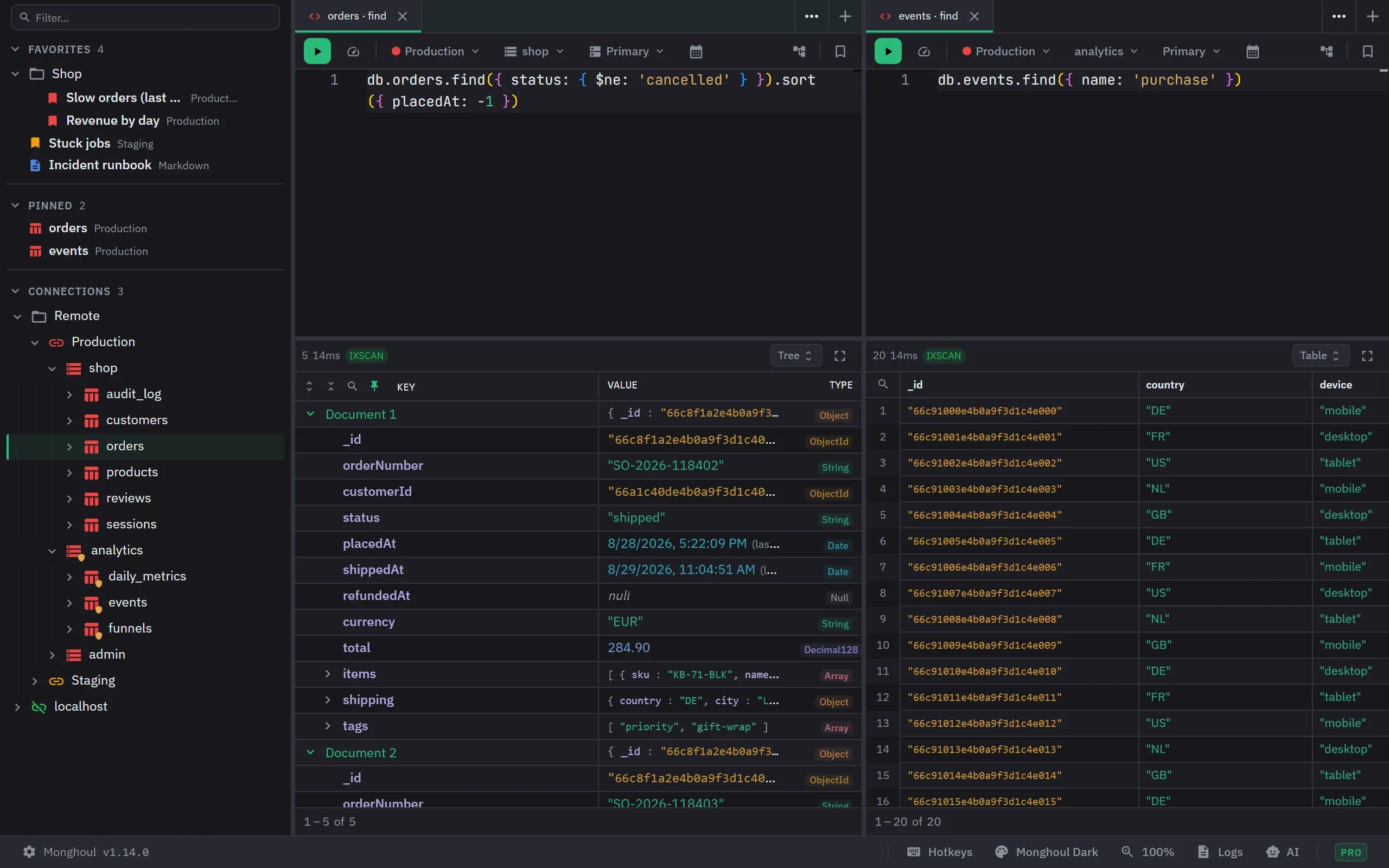
Split the window into panels, each with its own query and result, and jump to any collection or saved query with Ctrl+K. Tabs, results and layout come back when you reopen Monghoul.
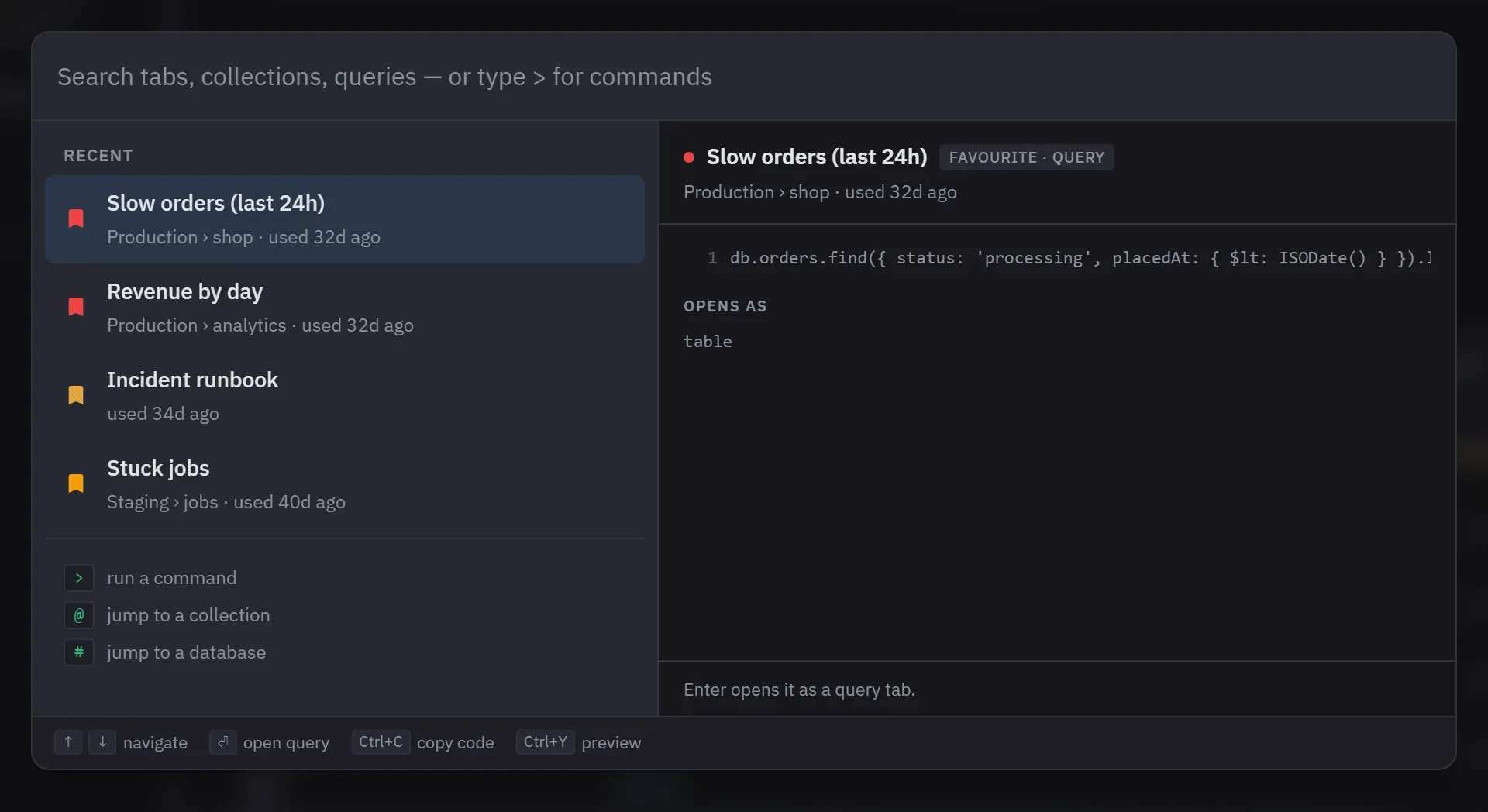
One box for everything
Ctrl+K opens on your recent tabs and saved queries, and searches every connection, database and collection. A > prefix reaches the commands.
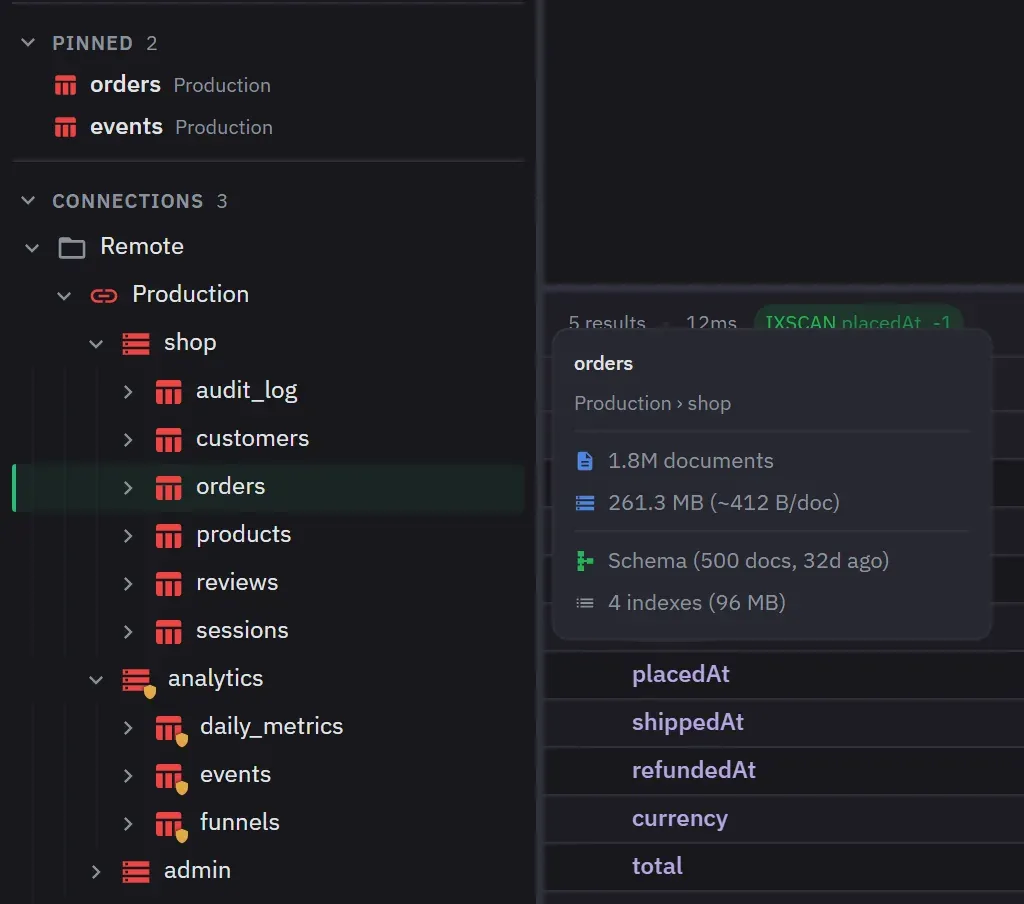
Details without opening
Point at a collection in the tree to see its document count, size, schema state and indexes.
Tabs that say where they write
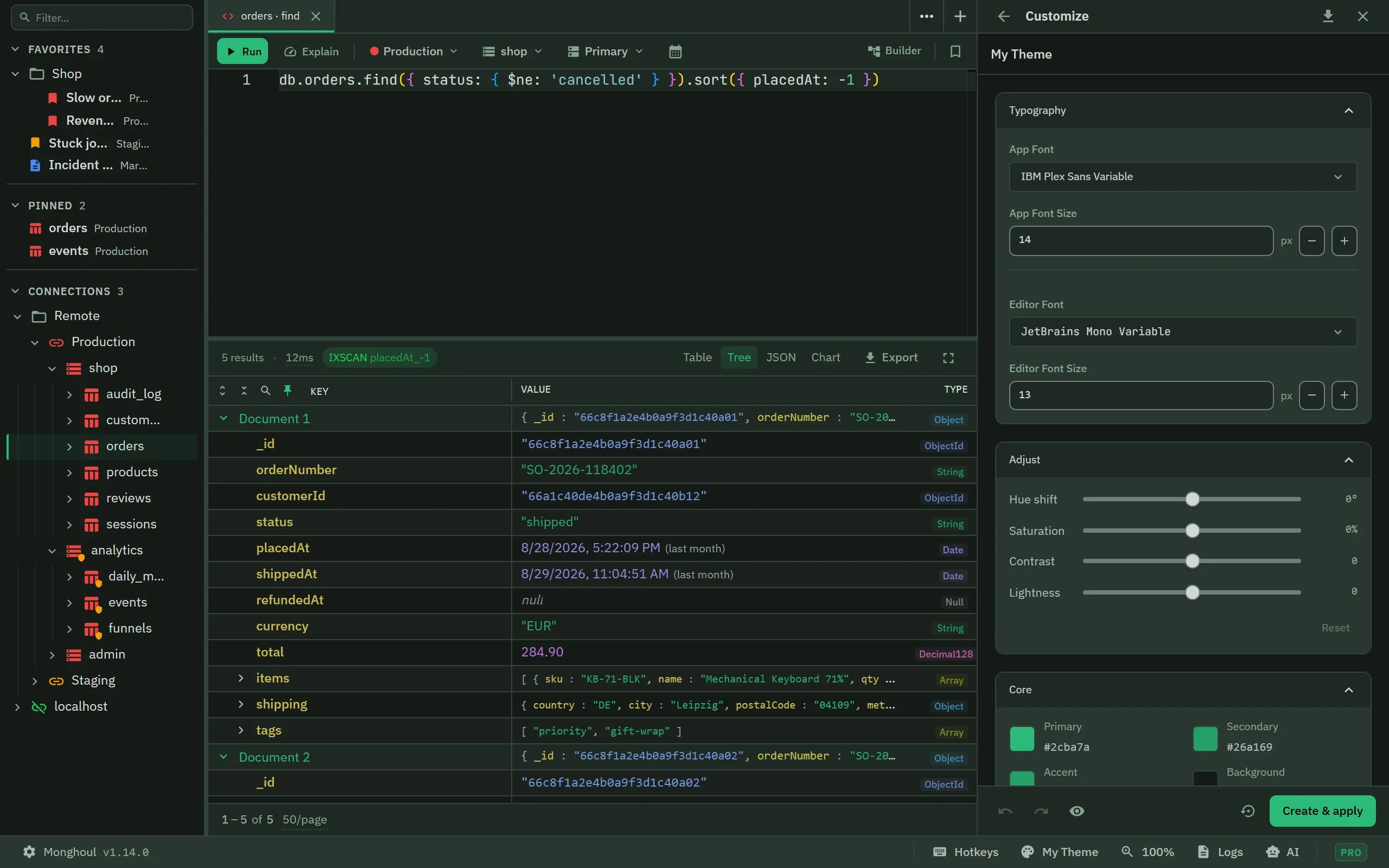
Each tab carries its connection’s colour, so a tab on Production does not look like a tab on Staging.

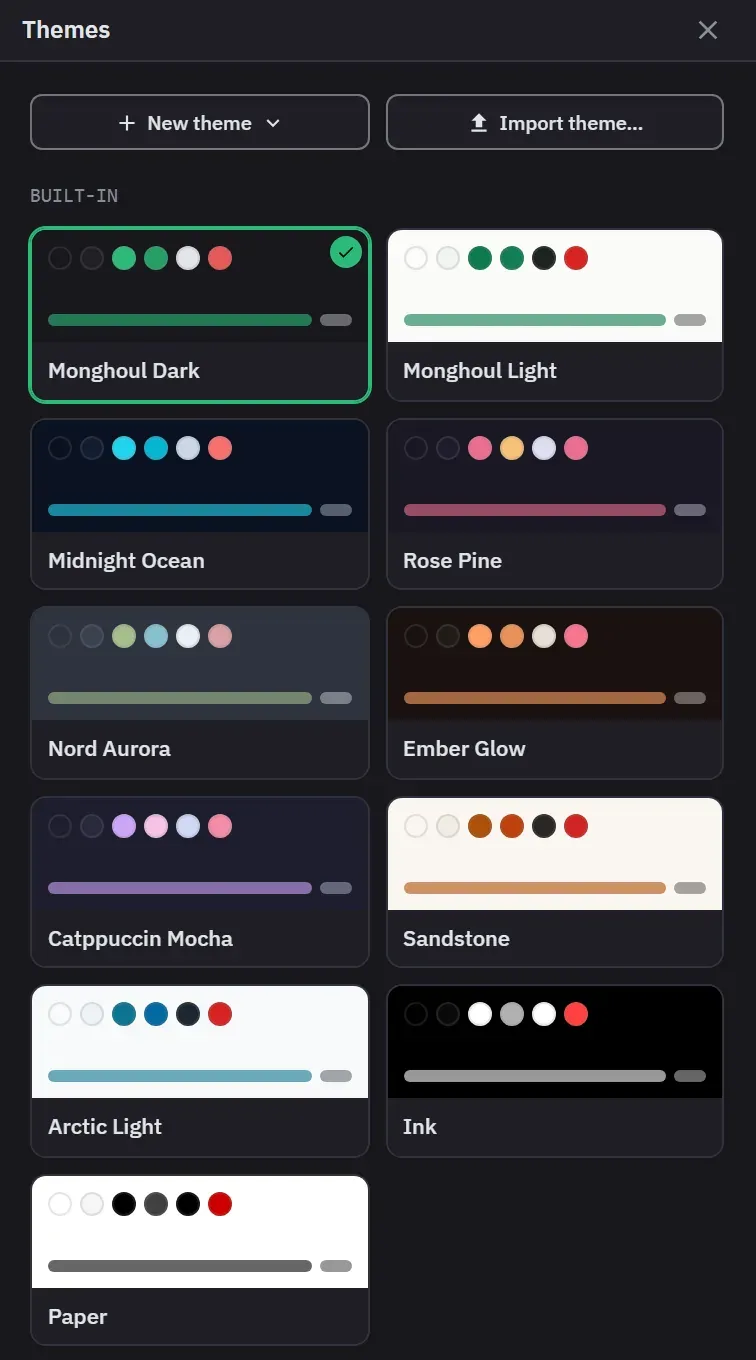
11 themes, or your own
A click applies a theme. New theme builds a whole one from a brand colour, the editor syntax and the type badges included.
Watch the app change as you edit
On Pro, the theme editor repaints the whole window while you move a slider or pick a font, before you save anything.
Also in this part
- Panels
- Split vertically or horizontally, nested and resizable, each panel with its own query.
- Detached windows
- On Pro, pop any tab into its own window and attach it again later.
- Restored as you left it
- Tabs, their results, the layout and the panel that had focus come back when you reopen Monghoul.
Try it against your own data
38 MB installer. Free forever, and a 14-day Pro trial with no card.