Database and collection operations
Creating, renaming and dropping databases and collections, and reading their stats.
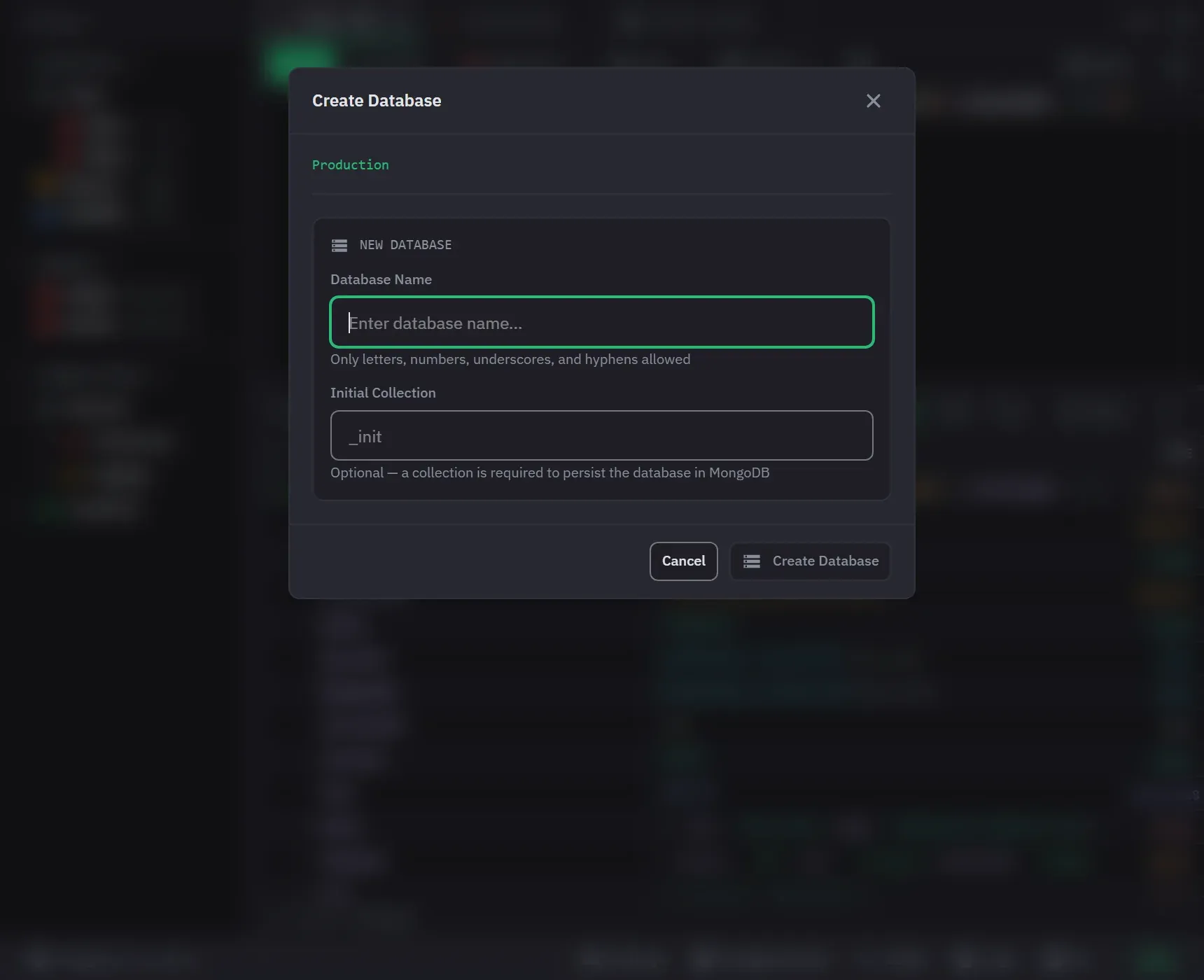
Databases and collections are created, renamed, emptied and dropped from the sidebar’s context menus.
| Item | Menu entries |
|---|---|
| Connection | Create Database, Refresh Databases |
| Database | Create Collection, Refresh Collections, Rename, Drop Database, Calculate Size |
| Collection | Rename, Clear All Documents, Drop Collection, Calculate Size |
Creating
MongoDB has no empty database, so creating one also creates its first collection. The Create Database
dialog has an Initial Collection field. The collection is named _init unless you name it yourself.
Database names accept letters, numbers, underscores and hyphens. Collection names accept those and dots as well. Monghoul trims spaces around a new name. A name that still breaks the rule is refused with a message that lists the allowed characters.
Creating a database or a collection inside write-protected scope asks first. It destroys nothing, but a connection you marked protected should not take a write without a word, and declining creates nothing. A new database is in no protection list, so Monghoul asks about the collection it creates. See Write protection.
Renaming, clearing and dropping
Collections can be renamed, cleared of every document, or dropped. Clear All Documents reports how many documents it deleted. Databases can be renamed or dropped, and a drop removes the whole database.
A rename is refused before any work starts when the new name is taken, by another database on the connection or by another collection in the same database. The dialog stays open so you can correct the name.
A database rename is the one that carries the most with it. Each collection keeps its documents, its
indexes, its validator and its creation options, and a view is recreated as a view rather than
flattened into a collection. The server’s own system.* collections are not carried.
MongoDB cannot rename a database, so Monghoul copies every collection and then drops the original. That takes as long as the data is large, so it runs as a tracked operation with progress, and you can stop it. The footer lists it under the source database’s name, and the dialog names the collection being copied. Stopping leaves the original database untouched and a partial copy under the new name, because the drop is the last step and a stopped run never reaches it. The dialog says so before you start, the partial copy is yours to drop, and the operation log records the run as cancelled. On a write-protected connection, the source database is what Monghoul asks about.
Every drop and clear needs explicit confirmation, names the connection, database and collection, and says that it cannot be undone. Both honour the connection’s write protection. On a protected target the confirmation says so, and the sidecar refuses the action if it arrives without the confirmation.
Copying
On Pro, a database or a collection can be copied or duplicated, carrying its documents and indexes.
A database duplication fills in the target name as the source name with _copy added. It does the
same as a rename for views and options, and it does not carry system.* collections.
Import and export covers the copy options in full.
Statistics
Calculate Size, on a database or a collection, reads the figures on demand. The entry reads Recalculate Size once figures exist, and you can cancel it while it runs. Monghoul stores the figures for each database and collection, with the time they were taken, so they survive a restart. Stats for a collection that the server no longer has come back as zeros, not as an error.
A database reports its collection count, data size, storage size and index size.
A collection reports its document count, average document size, data size, storage size, and its index count and total index size. Both appear in the sidebar’s hover previews as well as on the administration screens. The hover preview of a collection also shows its schema, its index count and its validation state.
Refreshing the lists
Refresh Databases, Refresh Collections and Refresh Indexes reload a list from the server. F5 on the focused row does the same, and each refresh can be cancelled. Use a refresh to see a database or a collection that someone created outside Monghoul.
Every create, rename, drop and clear is recorded in the operation log with its outcome. The sidebar tree is read again before Monghoul reports the result.