Validation rules
Edit a collection $jsonSchema, with its validation level and action.
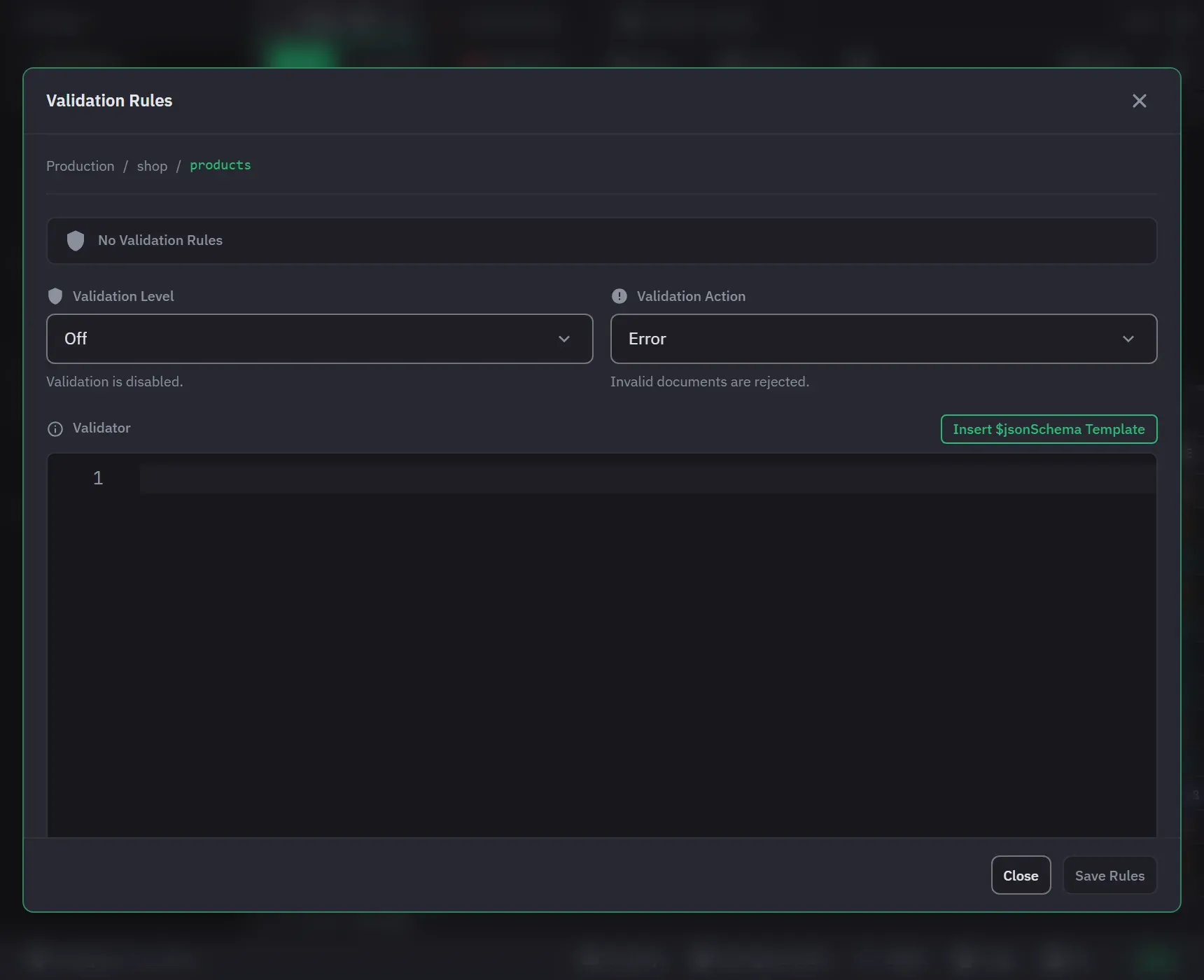
Validation Rules, in a collection’s context menu, opens the validator as JSON in a full Monaco editor, with syntax highlighting. Validation is on every tier, with no Pro-only option.
While the editor is empty, Insert $jsonSchema Template adds a $jsonSchema skeleton that MongoDB
accepts as written, so you are not starting from an empty object. The validator can also use MongoDB
query operators instead of $jsonSchema.
Invalid JSON is reported under the editor as you type, and Save Rules stays unavailable until you fix it. Save Rules closes the dialog.
Level and action
Two settings decide how far the validator reaches and what it does when a document fails it.
Validation level is Off, Moderate or Strict. Moderate applies the rules only to documents that already satisfy them, which is what lets you add a validator to a collection full of older documents without blocking every write to them. Strict applies to all writes.
Validation action is Error, which rejects an invalid document, or Warn, which accepts it and logs a warning on the server.
A collection with no validator opens at level Off. Choose Strict or Moderate before you save, because rules saved at Off are stored but not applied. The header of the dialog says Validation Active when rules exist and the level is not Off.
Removing a validator
Remove Validation, at the bottom left of the dialog, removes the rules and sets the level to Off. It asks for confirmation and leaves the dialog open, now showing empty rules. Clearing the editor and saving does the same thing by a different route, so it asks for the same confirmation. With no rules present, an empty editor is only a change of level or action.
Remove Validation and Edit Validation Rules are also in the context menu of a collection’s validation node in the sidebar. Removing from there asks its own confirmation.
Setting or removing rules on a write-protected collection says so and asks first, because a validator guards the data. See Write protection.
Seeing which collections have one
A collection with a validator gets its own node in the sidebar tree, badged with its level and action. Validator metadata refreshes from the server on demand, which picks up a change made outside the app.