Extended JSON and BSON
How ObjectId, Date, Decimal128, Long, UUID and Binary survive a round trip through the app.
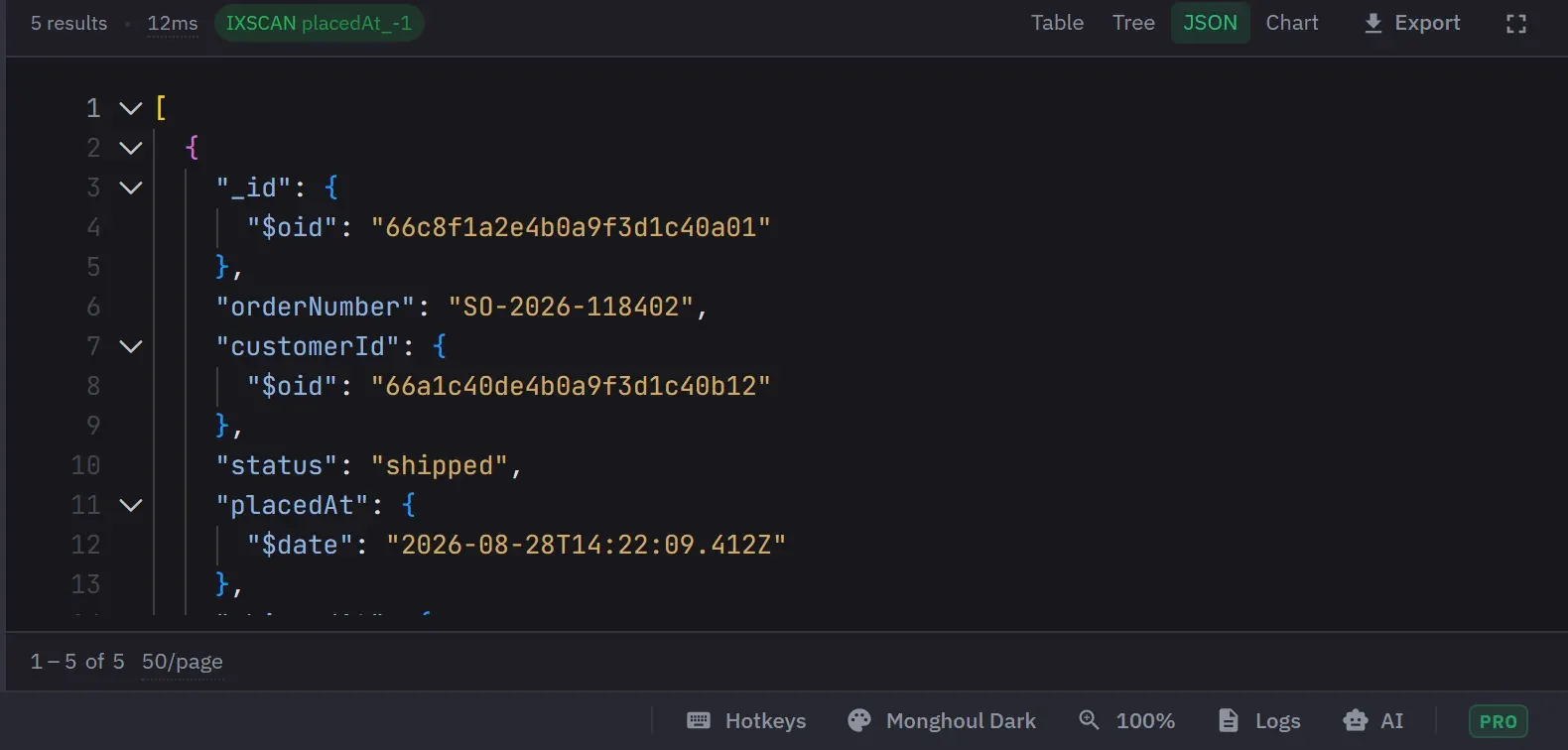
ObjectId, Date, Binary, Timestamp, UUID, MinKey, MaxKey, RegExp, Code, DBRef and the numeric BSON types are all presented as themselves rather than as generic JSON. Colour-coded type badges stay consistent across Tree view, Table view and the inline editors.
The query environment provides the matching constructors: ObjectId(), Long(), Int32(),
Double(), Decimal128(), UUID(), BinData(), Timestamp(), MinKey(), MaxKey(), Code(),
DBRef() and ISODate(), plus the shell names NumberLong, NumberInt and NumberDecimal. Copy,
edit, insert, clone and filter actions write runnable constructor syntax, as long as the decoded
result still holds its type and its exact value. They use ObjectId, new Date, Long,
Decimal128, Int32, Double, BinData with its numeric subtype, a regular expression literal,
Timestamp, MinKey, MaxKey, Code and DBRef. You can edit the generated statement and run it
as an ordinary query.
Where the type goes
Every result reaches the app as relaxed Extended JSON. That covers a tab run, a builder preview, an explain and a query that an AI assistant runs. The app adds one repair: a 64-bit integer too large for a JavaScript number keeps its exact value. Relaxed is not a lossless round trip for every numeric subtype. This is the part to understand before you rely on an edit.
These types arrive with their type intact: ObjectId, Date, Decimal128, Binary and its subtype, UUID, regular expression, Timestamp, MinKey, MaxKey, JavaScript code, a Double that is NaN or infinite, and a 64-bit integer beyond ±9,007,199,254,740,991.
These types arrive as plain JSON values that look like any other value: Int32, any other Double, a 64-bit integer inside that range, and a symbol, which arrives as a string.
Int32, Double, and a 64-bit integer inside ±9,007,199,254,740,991 all arrive as ordinary JSON numbers. The value is exact. What is lost is the type, so an in-range Long badges as a number and the inline editor opens it as an Int32 or a Double. Saving or cloning the document writes it back as one of those.
A 64-bit integer outside that range arrives with its type intact and keeps it through an edit, a clone and an insert.
Once relaxed decoding has dropped a subtype or a precision, it cannot be reconstructed, and the generated actions use the decoded value. There is no way for the app to recover a type the wire format did not carry.
Other cases to know:
- A UUID is a Binary value with subtype 4, and the app shows it as a UUID.
- A code-with-scope value and a database reference each hold more than one field. The app shows them as ordinary documents, and a statement generated from one is not accepted by the server.
- A date before 1970 or from the year 10000 on cannot be written as a timestamp string. The app carries it as an exact count of milliseconds, and still shows and regenerates it as a date.
- Relaxed Extended JSON writes a Double of negative zero as 0. Canonical keeps the sign.
- A query that returns a collection or database handle, and not documents, produces a short acknowledgement that names it.
Editing and the BSON types
The inline editor edits a value as String, Int32, Long, Double, Decimal128, Boolean, Null, Date or ObjectId. Every other BSON value opens as text, so saving it replaces the BSON value with a string. That covers a Timestamp, MinKey, MaxKey, a Binary or UUID, a regular expression, stored code, and any document or array.
The editor enforces the BSON limits before it writes anything: ±2,147,483,647 for an Int32, the
signed 64-bit range for a Long, and the precision of Decimal128. Text that is not a number of the
chosen type is refused and not truncated. 1.9 is not an Int32 and 42abc is not a number, but
NaN is a valid Double.
Generated filters address a document by whatever type its _id is: ObjectId, string, number,
Decimal128, Binary, UUID, 64-bit integer or a compound key. The generated edit, delete and unset
actions need an ObjectId _id. Clone, insert, filter by value and the copy actions work for every
_id.
The two copy actions are not code. Copy Document copies relaxed Extended JSON. Copy Value copies what is shown, so a date copies in your chosen date format, and a binary, code or reference value copies as a placeholder.
Round-tripping losslessly
Canonical Extended JSON keeps every subtype and precision. The app offers it in one place only: the
collection export dialog. Open the advanced JSON options and set EJSON Mode to Canonical (Strict type fidelity). The default there is Relaxed (Human-readable dates).
- Database export and both result-export scopes have no such choice. They always write relaxed.
- The loaded-results JSON export is not Extended JSON at all. It unwraps every type, so a Long or a Decimal128 becomes a JSON string, a binary becomes base64 text, and a timestamp, regular expression, key or reference becomes a readable label. You cannot import it back as BSON.
- CSV and Excel carry no BSON types. They write values as text and dates as ISO strings.
- Import has no canonical or relaxed choice. It reads a
$numberLongat full 64-bit precision whatever the rest of the file looks like, and stores it as a 64-bit integer. Other numbers are not changed. A document that the file’s own syntax breaks is counted and skipped, and the import goes on.
Relaxed writes a 64-bit integer as a plain JSON number, which is inexact above 2^53. A value that the server holds exactly is then wrong in the file. Choose canonical when the values have to come back exactly. One exception remains under canonical: a Double that the driver delivered as a whole number is written as an integer.
See Import and export and Export to CSV or Excel.