Connect to PostgreSQL
Add a PostgreSQL connection from a URL or from fields, choose the TLS mode that matches your server, and test it before you save.
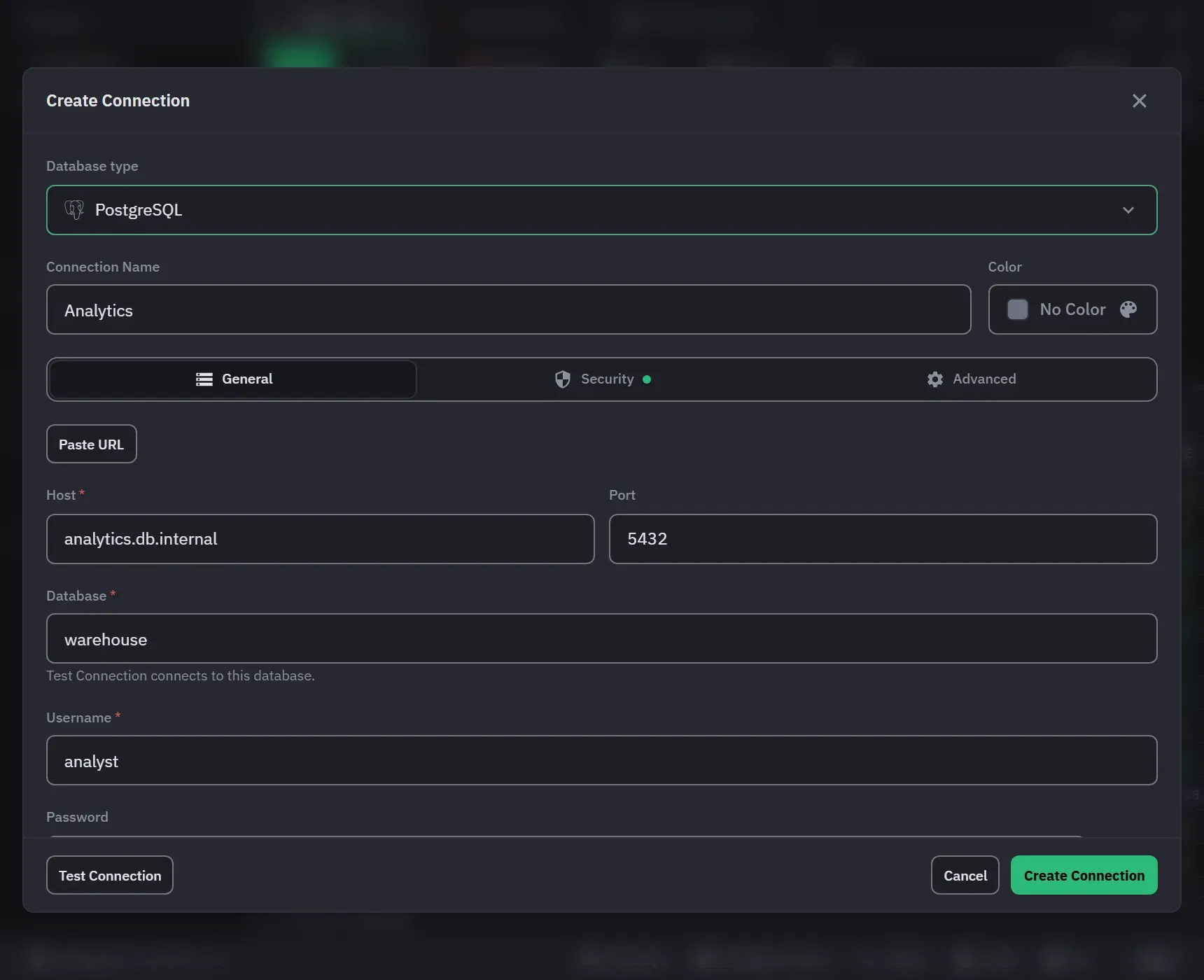
From a URL
- Click Add Connection in the sidebar and choose PostgreSQL in the Database type list.
- Click Paste URL and paste a
postgresql://orpostgres://URL, for examplepostgresql://app:secret@db.internal:5432/shop. - Monghoul fills the host, port, database, user and password from it. It does not keep the URL.
From fields
Host, Database and Username are required. The port is 5432 and the database postgres by default.
Turn off Save password to keep the password for this session only; Monghoul then asks for it
after a restart.
Choose the TLS mode
On the Security tab:
- Verify full (the default) checks the certificate chain and the host name. With no CA file, Monghoul trusts the public certificate authorities it ships with, not the operating system’s store. Add a CA file for a private authority.
- Require encrypts but checks no certificate.
- Disable sends everything in plain text. When an edit turns TLS off with a saved password, the form warns that the saved password then travels over the weaker connection.
A server behind a bastion host takes an SSH tunnel on the same tab, with a password or a private-key file. The first connect asks you to check and trust the SSH server’s host key.
Test, then save
Test Connection uses its own connection, saves nothing and closes it. A success reads “Connected: PostgreSQL” with the version and the database. A failure says whether the server refused the name or password, could not be reached, or did not answer in time.
Protect production
On the Advanced tab, set Access mode to Read-only to refuse every statement that changes data, or tick Confirm every write on this connection to be asked before each write and before grid changes apply. The role’s own permissions still apply in both modes.
Next: PostgreSQL in Monghoul for the tree, drafts and the monitor.